Flight operations software.
Scheduling, dispatch, maintenance, training records, and reporting for flying clubs, flight schools, and FBOs.
LIVE DEMO · flying club or flight school · password demo1234
Overview
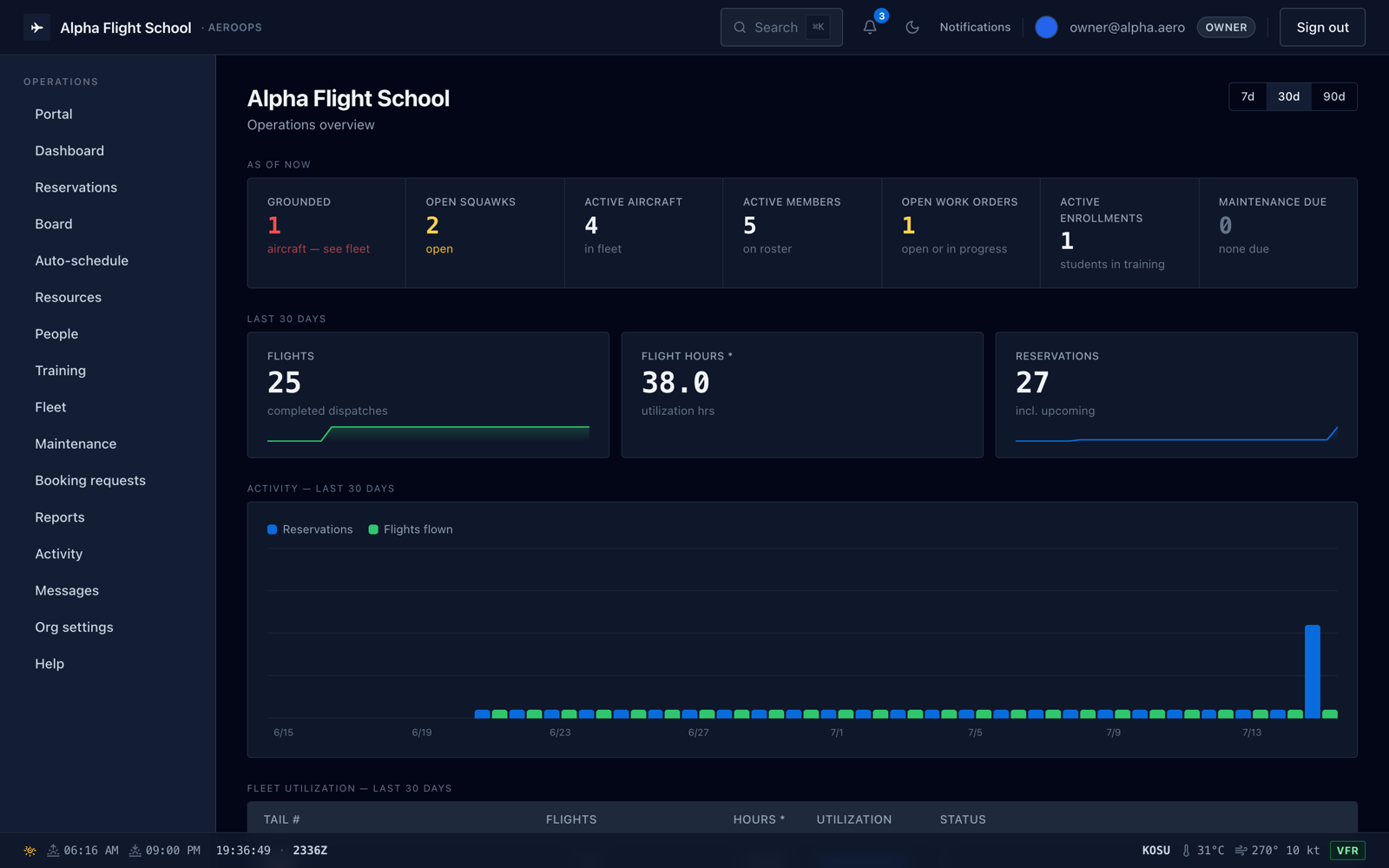
The dashboard.
Grounded aircraft, open squawks, and recent flights and reservations.
Flying clubs
Club mode.
Club mode hides the screens a small club does not use.
Shared calendar
One schedule for every aircraft, with per-aircraft checkout rules.
Member roles
Roles for officers and members, and a portal for each member.
The platform
Features.
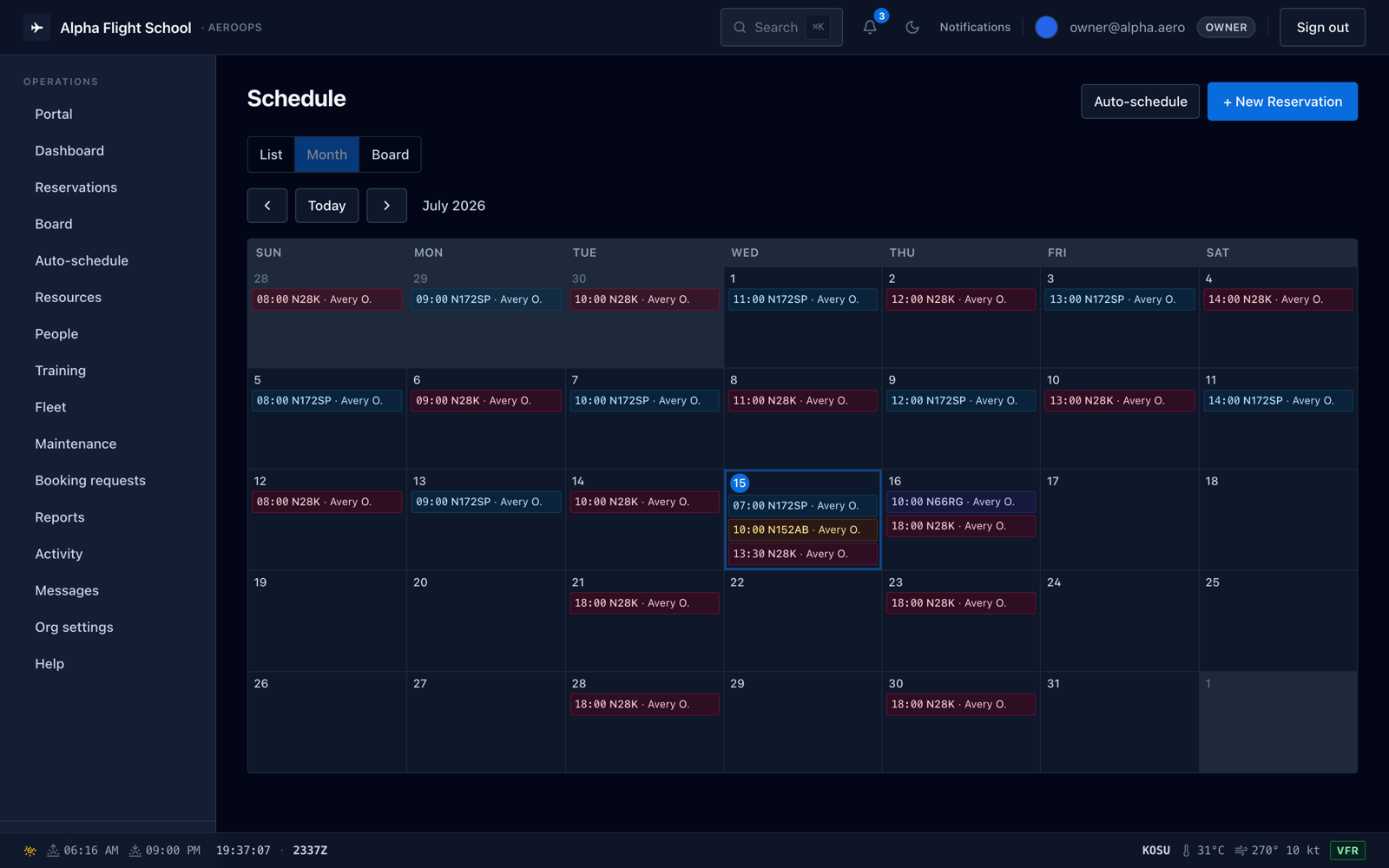
Scheduling and dispatch.
Every reservation, recurring series, and reschedule passes through one conflict check.
- Drag-and-drop dispatch board
- Check-out and check-in with write-once Hobbs and tach
- Booking policies you set: duration, advance limits, lead time, blackout windows
- Live METAR, Zulu clock, and civil twilight on every screen
Write-once training records.
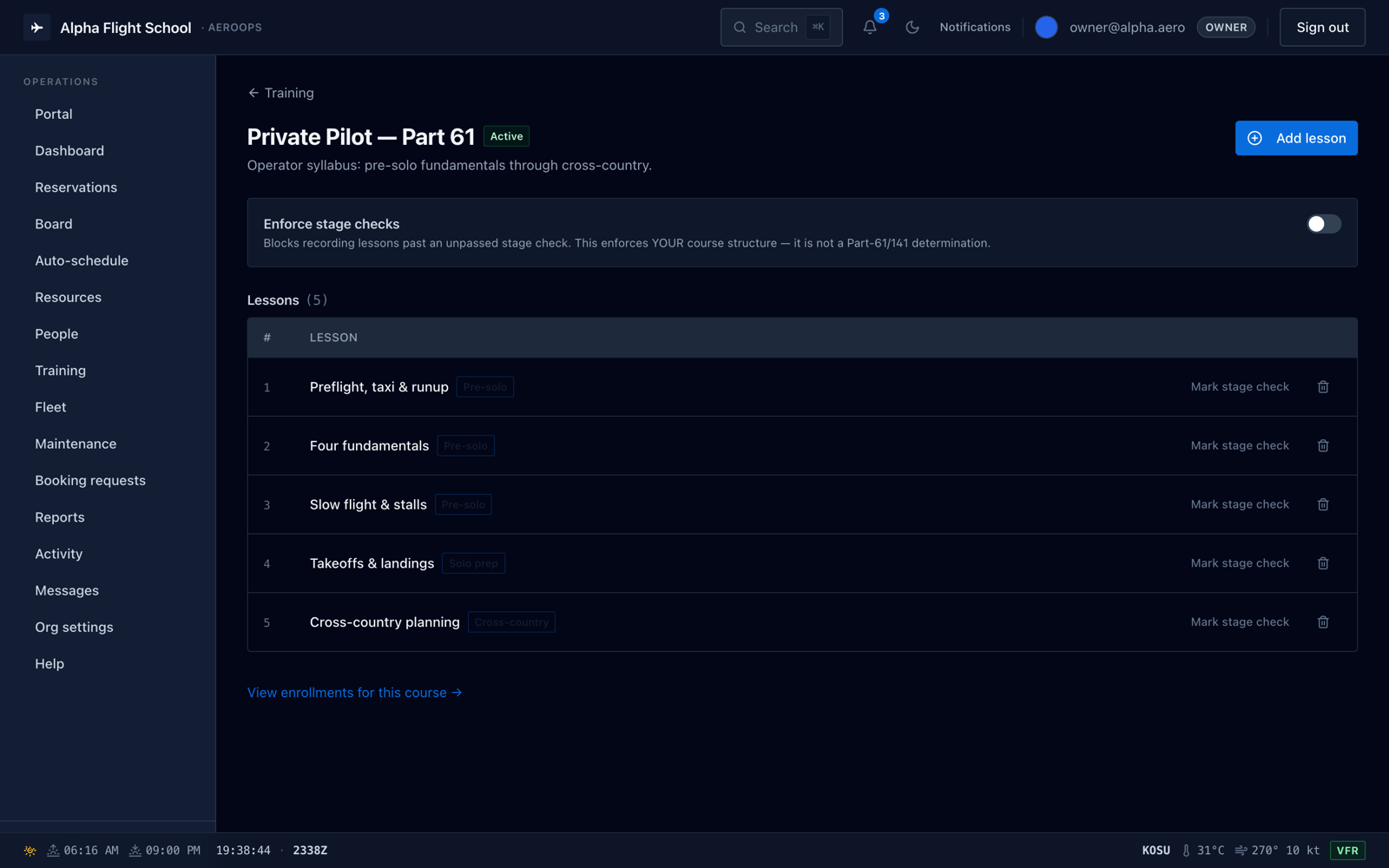
Instructors write lesson records that lock the moment they are entered.
- Load your own syllabus, lesson by lesson
- Fits both Part 61 and Part 141 training programs
- Corrections append, never overwrite
- Progress drawn from actual lesson coverage
Squawks, grounding, and work orders.
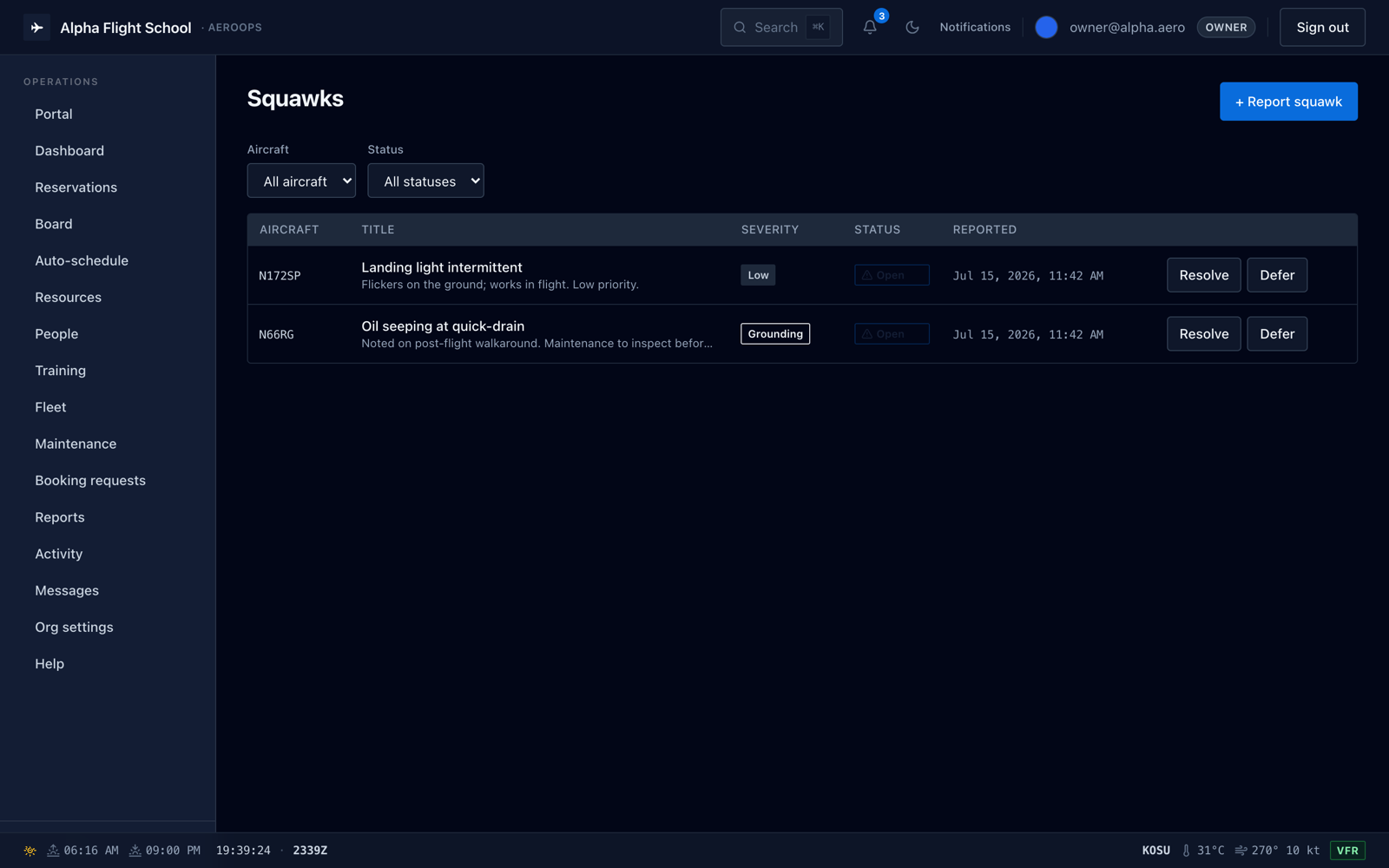
A grounded aircraft cannot be dispatched until the grounding is resolved.
- Aircraft usage from the meters dispatch already records
- Work orders and squawks, from report to resolution
- Write-once sign-offs, never silently edited
- Full audit trail on every record
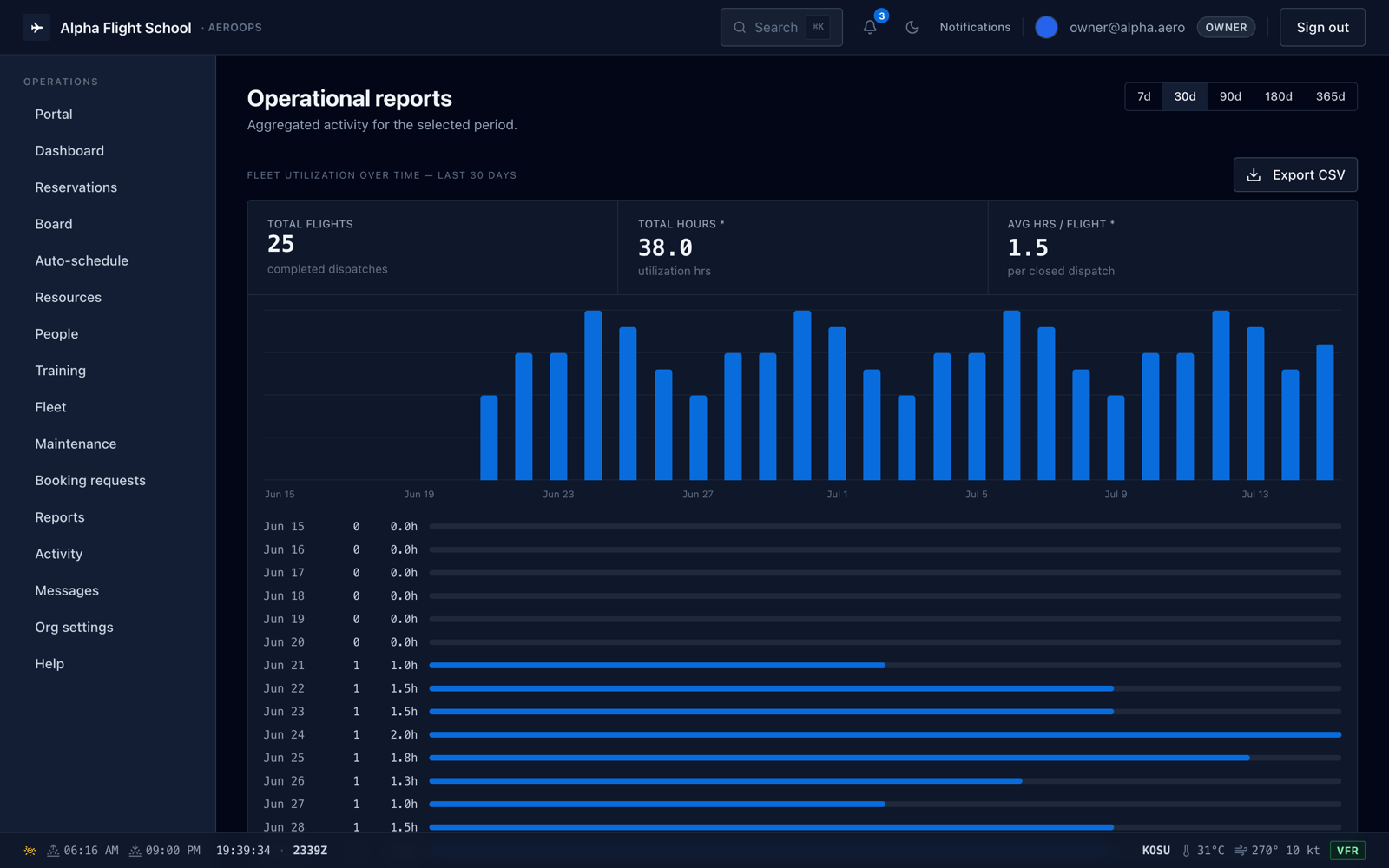
Dashboard and operational reports.
Current fleet status and activity over a chosen period.
- Flights, hours, and utilization per tail
- Reservations vs. flights and cancellations
- Grounded aircraft, open squawks, and today's flights, live
- Every report scoped to any date range, exportable to CSV
Open source
Source code.
AeroOps is free and open source under the MIT license. You can read the code and run it yourself.
- Next.js and PostgreSQL with row-level security
- Self-host on Vercel and Neon, or any Postgres
- Setup steps in the README

Live demo
Try the live demo.
Two sample operations are loaded: a small flying club and a full flight school.
Bravo Flying Club
Two aircraft and only the screens a club needs.
- owner@bravo.aero
- PASSWORD
- demo1234
Alpha Flight School
Every module on, with a month of activity loaded.
- owner@alpha.aero
- PASSWORD
- demo1234
The demo is shared and may be reset at any time. It holds fictional sample data; anything you enter is visible to other visitors, so please do not enter real personal information.
Read further